Short answer
Organize nail services by the decision the client is trying to make: manicure, gel, BIAB or builder gel, extensions, refills, removal, nail art, and pedicure. Then give each service a clear name, realistic duration, price, and short description.
The goal is not to list every internal salon detail. The goal is to help clients book the right appointment without a message thread.
Who this is for
This guide is for nail salon owners, nail technicians, and small beauty teams that get too many questions like:
- Which service should I choose?
- Do I need removal?
- Is nail art included?
- Can I book a refill or do I need a full set?
- How long should I book for BIAB?
If clients often choose the wrong service online, your menu probably needs clearer structure.
Why nail menus become confusing
Nail services are naturally detailed. A salon may understand the difference between gel polish, BIAB, builder gel, hard gel, extensions, overlays, refills, repairs, soak-off, and nail art levels. A client may only know that they want "something natural" or "the same as last time."
Confusion usually comes from three problems:
- services are named for staff instead of clients
- similar services sit next to each other without explanation
- add-ons and removal are hidden or unclear
When clients cannot decide, they message you. That turns online booking back into manual booking.
Start with simple categories
Use categories that match how clients scan a menu.
For most nail salons, a strong starting structure is:
| Category | What belongs there |
|---|---|
| Manicure | Classic manicure, express manicure, spa manicure |
| Gel polish | Gel manicure, gel pedicure, gel refresh |
| BIAB or builder gel | BIAB manicure, overlay, builder gel refill |
| Extensions | Full set, extension refill, extension repair |
| Removal | Gel removal, builder gel removal, removal and new set |
| Nail art | French tip, simple art, detailed art |
| Pedicure | Classic pedicure, gel pedicure, spa pedicure |
Keep category names short. A mobile booking page should be easy to scan with one hand.
Name services by outcome
Clients book outcomes, not internal shorthand.
Use names like:
- Gel manicure
- BIAB manicure
- Gel removal and new set
- Extensions full set
- Extensions refill
- Simple nail art add-on
- Detailed nail art add-on
Avoid names like:
- Nails 1
- Basic plus
- Tech choice
- Design level B
- Overlay special
If you need internal detail, put it in the description, not the service name.
Add descriptions where clients hesitate
Descriptions should be short and practical. They are not sales copy. They answer the question that stops the client from booking.
Example descriptions:
BIAB manicure
Builder gel overlay on natural nails. Choose this if you want extra strength without extensions.

Gel removal and new set
For clients who currently have gel polish and want a fresh gel manicure.

Detailed nail art
For designs on multiple nails, chrome, hand-painted details, or complex inspiration photos.
If a service needs a consultation first, say that clearly.
Make removal impossible to miss
Removal is one of the most common reasons nail appointments run late. If a client arrives with old product and did not book removal, the whole calendar can shift.
Add removal in one of three ways:
1. A separate removal service. 2. A combined service such as "Gel removal and new set." 3. An add-on for removal when the booking flow supports add-ons.
Do not rely on clients mentioning removal in a message after booking.
Example using Styloving
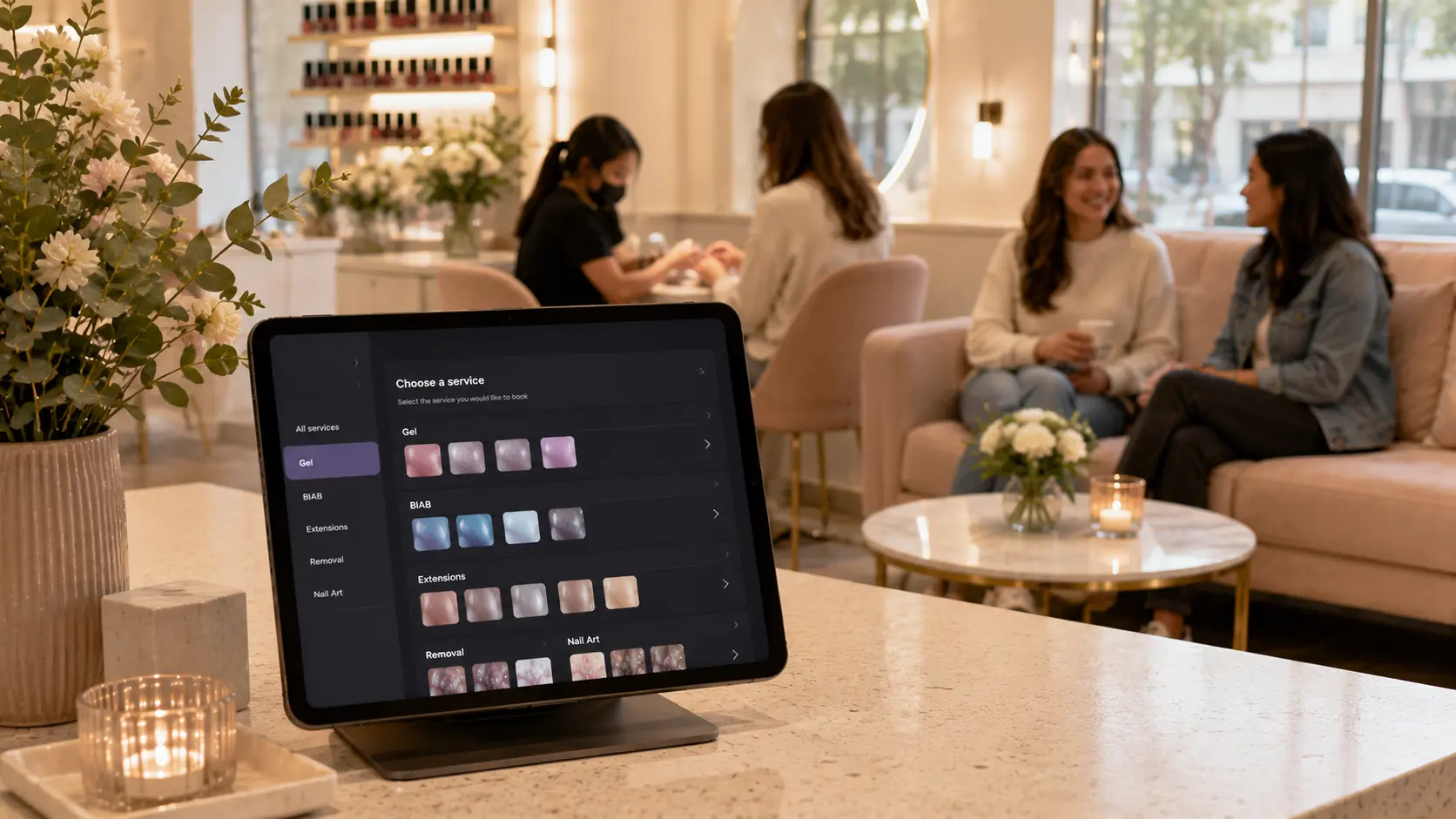
In Styloving, a nail salon can create clear service categories, set each service duration and price, and assign services to staff members who perform them. A simple setup might look like this:
1. Create categories for Gel, BIAB, Extensions, Removal, Nail Art, and Pedicure. 2. Add the most common services first. 3. Set honest durations for each service. 4. Assign advanced services to the right technicians. 5. Share one booking link from Instagram, Google, and the salon profile.
This gives clients a structured booking path instead of asking the salon to translate the menu every time.
Nail service menu checklist
- Categories match client decisions.
- Service names are clear without salon jargon.
- Removal is visible.
- Nail art is separated into simple and detailed options.
- Durations include prep, finish, and cleanup time.
- Staff assignments match real skills.
- Descriptions explain confusing services.
- The menu fits comfortably on mobile.
FAQ
Should nail art be a category or an add-on?
It can be either. If clients frequently add nail art to many services, use add-ons. If designs vary widely, create separate simple and detailed nail art services.
How many nail services should I publish at first?
Start with the services clients book most often. Add more once you see where clients hesitate or choose incorrectly.
Should I include every possible nail design online?
No. Use service descriptions to explain what is included, then ask clients with complex inspiration photos to contact the salon before booking.