Short answer
Online booking for nail salons works best when services are grouped clearly, durations are realistic, add-ons are not confusing, and staff availability matches what each nail technician can actually perform.
Nail salon booking software should help clients choose the right appointment without sending a message first.
Who this is for
This guide is for nail salon owners, independent nail technicians, nail studios, and small beauty teams that want to reduce booking messages and make appointment scheduling easier for clients.
It is especially useful if clients often ask whether they should book gel, BIAB, extensions, removal, nail art, or a refill.
Why nail booking gets confusing
Nail services can be hard to book online because many services depend on the client's current nails, desired result, and timing.
Common friction points include:
- too many similar service names
- unclear difference between gel, BIAB, extensions, and refills
- add-ons like nail art or removal not being listed properly
- durations that do not include prep or soak-off time
- staff members offering different services
- clients booking a short service when they need a longer one
The booking flow needs enough structure to guide the client without making the menu feel overwhelming.
Set up services by client decision
Clients usually think in outcomes, not internal salon categories. Group services around the decision they are trying to make.
Useful categories might include:
- Manicure
- Gel polish
- BIAB or builder gel
- Extensions
- Refills
- Removal
- Nail art
- Pedicure
Keep service names specific.
Better:
Gel manicure
BIAB manicure
Gel removal and new set
Extensions full set
Extensions refill
Less clear:
Basic
Premium
Design
Nails 1
Nails 2
Make durations honest
Nail appointments often run late when the booking menu ignores removal, nail art, repairs, or complex prep.
Set durations based on real work:
| Service type | Setup reminder |
|---|---|
| Gel manicure | Include prep and finish time. |
| Removal and new set | Add removal time instead of squeezing it in. |
| Nail art | Use add-ons or separate services for simple vs complex art. |
| Extensions | Leave enough time for shaping and finishing. |
| Refills | Consider condition of existing set. |
If a service varies too much, use a description that tells clients when to message first.
Handle add-ons carefully
Add-ons are where many nail booking menus break. If clients cannot add nail art or removal clearly, they may book the wrong duration.
Start with a few common add-ons:
- Gel removal
- French tip
- Simple nail art
- Detailed nail art
- Repair
If your booking system does not support add-ons yet, create separate bookable services for the most common combinations.
Match services to staff
Not every nail technician performs every service. Some may do simple gel and manicures, while others handle extensions or detailed art.
Online booking should respect that. If a client books detailed nail art, they should only see staff members who can perform that service.
This prevents staff confusion and protects the client experience.
Example using Styloving
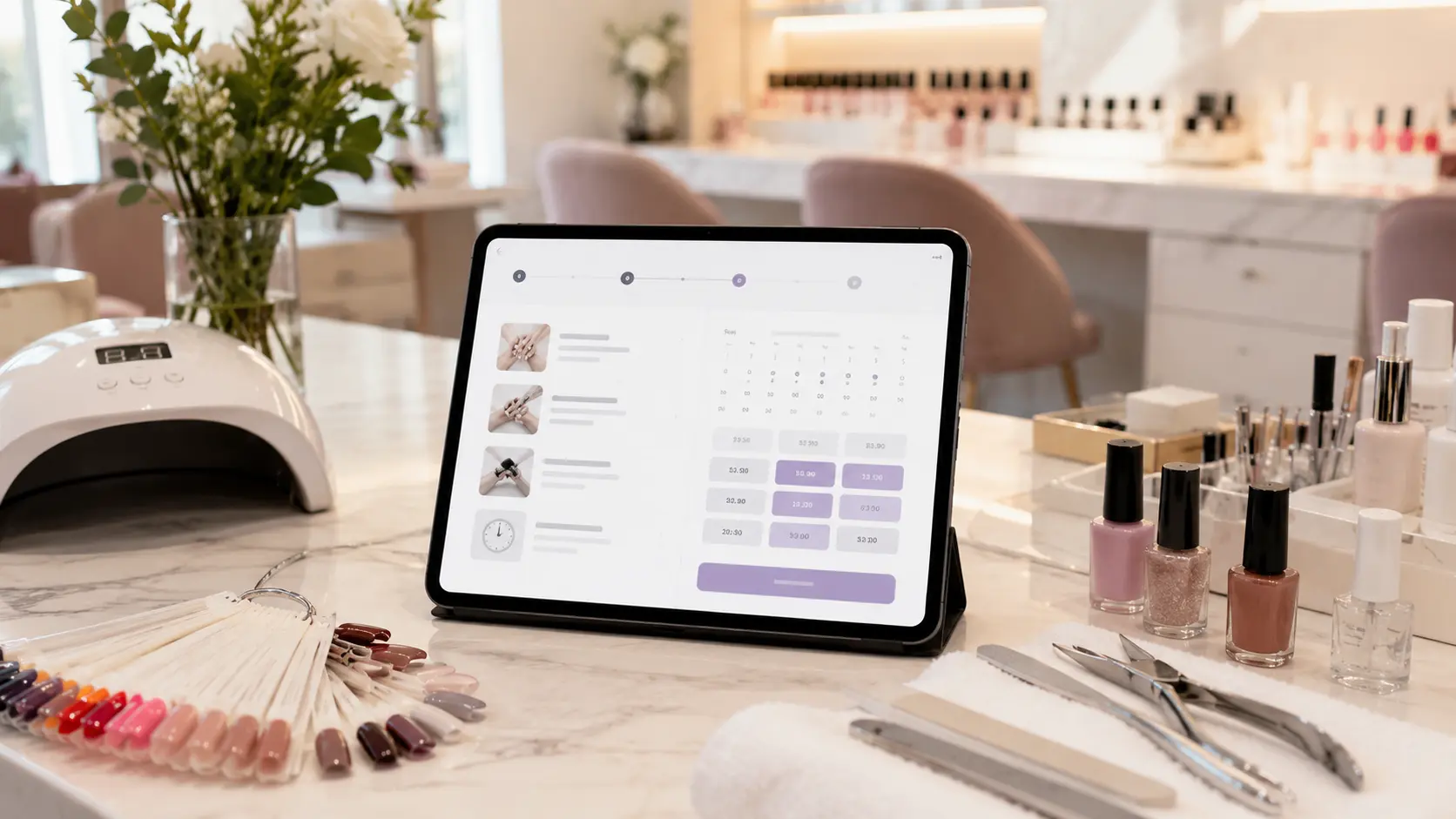
A nail salon can use Styloving to create service categories, set realistic durations, assign services to the right staff members, and share one booking link. Clients choose a service and time, while the calendar protects availability.
Example workflow:
1. Client opens the booking link from Instagram. 2. Client chooses "Gel removal and new set." 3. The booking page shows available staff and times that fit the duration. 4. The appointment appears in the salon calendar. 5. Staff can add client notes after the visit, such as preferred shape, color family, or product sensitivity.
Nail salon booking checklist
- Group services by what clients understand.
- Keep service names specific and clear.
- Add realistic durations for removal and nail art.
- Separate simple and complex add-ons.
- Assign advanced services to qualified staff.
- Add descriptions for services clients often confuse.
- Keep one booking link visible in Instagram, Google, and your website.
- Review wrong bookings and adjust the menu.
FAQ
What is the most important setup step for nail salon online booking?
Service clarity. If clients cannot choose the right service, the calendar will still create admin work.
Should nail art be an add-on or separate service?
Simple nail art can work as an add-on. Complex designs often need a separate service or instruction to message before booking.
Can online booking work for independent nail techs?
Yes. It can be especially helpful because the same person is usually doing the service, answering messages, and managing the calendar.