Short answer
To avoid double-booking staff, your calendar needs to know more than the salon's opening hours. It needs each staff member's working hours, breaks, assigned services, existing appointments, and realistic service durations.
Double bookings usually happen when one of those pieces lives outside the calendar: in a DM, a notebook, a phone call, or someone's memory.
Who this is for
This guide is for salon owners, barbershop owners, nail studios, lash artists, and skincare clinics where more than one person takes appointments.
It is especially useful if clients can book online, staff take bookings manually, or the owner is trying to manage everyone from one shared calendar.
Why double bookings happen
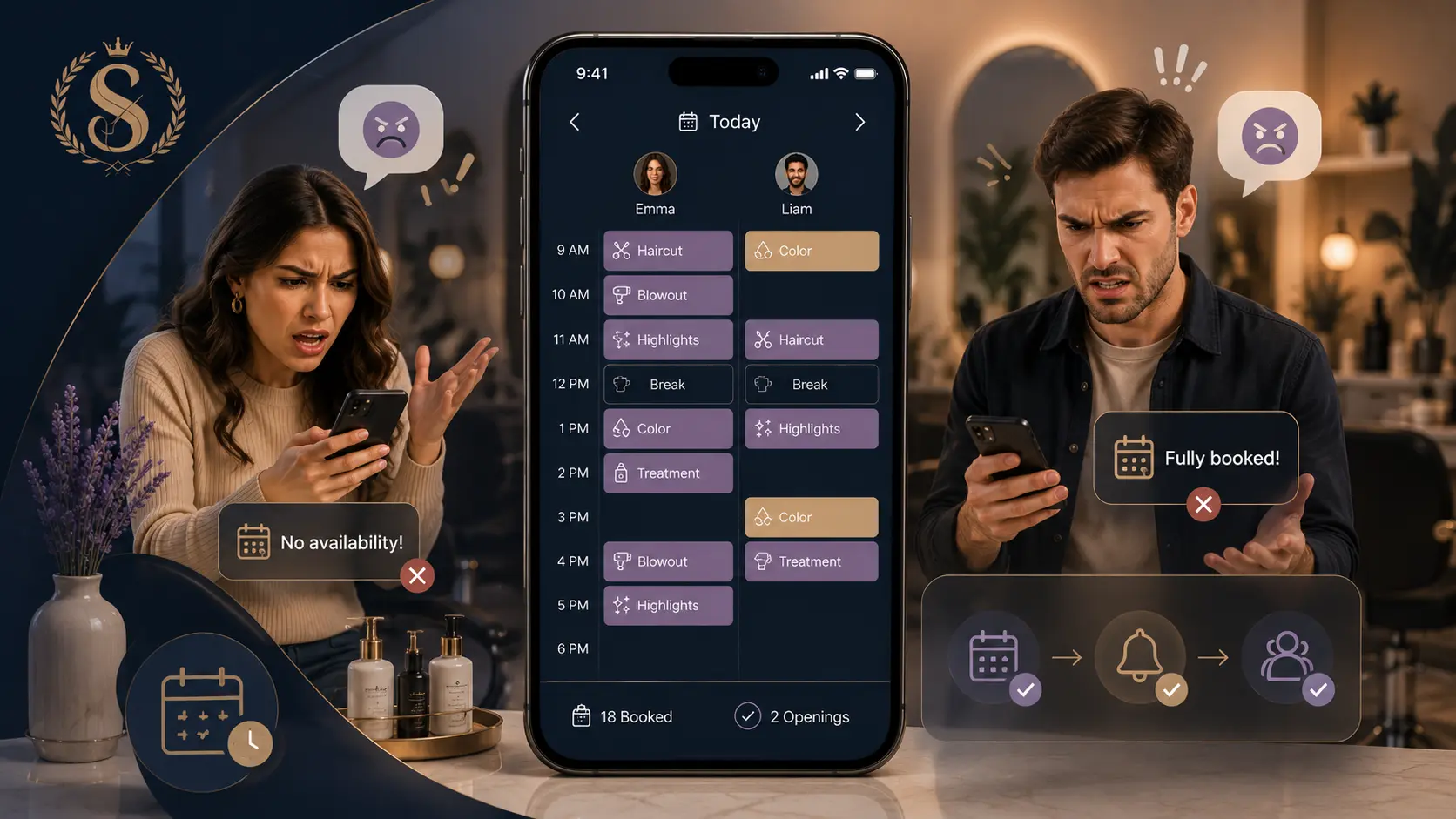
Double booking is not always a careless mistake. It often happens because the booking system cannot see the full picture.
Common causes include:
- The salon is open, but the right staff member is not working.
- A service duration is too short, so the next slot appears free too early.
- A break is not blocked in the calendar.
- One appointment was booked in DMs and another was booked online.
- The client chose "any staff", but the staff member assigned cannot perform that service.
- A moved appointment kept the old time in another place.
The safest fix is to make one calendar the source of truth.
Start with staff-level availability
Salon opening hours are only the outer boundary. Staff availability is what actually protects bookings.
For every staff member, define:
| Rule | Why it matters |
|---|---|
| Working days | Prevents bookings on days off. |
| Start and end time | Keeps services inside real shifts. |
| Breaks | Blocks lunch, school pickup, admin time, or cleanup. |
| Services they perform | Stops unqualified staff assignment. |
| Active/inactive status | Keeps former or unavailable staff out of booking. |
If the calendar only knows "open 09:00-18:00", it cannot protect a staff member who works 10:00-15:00.
Set realistic service durations
Short durations create fake availability. A haircut that takes 45 minutes should not be listed as 30 minutes just because the calendar looks cleaner.
Use a simple rule:
The service duration should include the work, normal client transition time, and any setup or cleanup that blocks the staff member.
If a color service takes 2 hours and 15 minutes, make the duration reflect that. Otherwise, the next client can land too early and the calendar will look available when the chair is not.
Block breaks like appointments
Breaks should not be treated as soft reminders. If a staff member cannot take a client from 13:00 to 13:30, that time needs to block availability.
This matters most for longer services. A 90-minute appointment starting at 12:30 may look fine until it runs through the 13:00 break.
A good booking system should check the full appointment window, not only the start time.
Use one place for manual and online bookings
The fastest way to create double bookings is to accept online bookings in one place and manual bookings somewhere else.
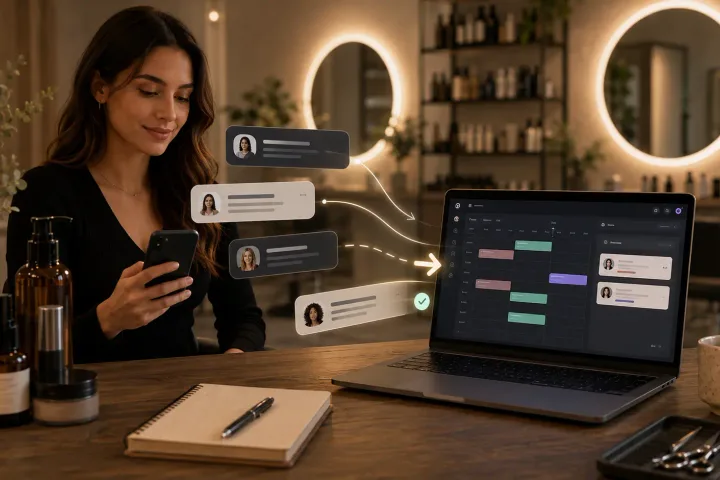
If someone calls, DMs, or walks in, add the appointment to the same calendar used by online booking. Do not keep a temporary note and promise to "add it later". Later is where conflicts sneak in.
Manual bookings should follow the same rules as online bookings:
- same staff availability
- same service duration
- same break blocking
- same appointment status
- same client record
Example using a Styloving workflow
In Styloving, each appointment belongs to a staff member or can be assigned to the first available qualified staff member. Availability is checked against working hours, breaks, existing appointments, and service duration.
A safer workflow looks like this:
1. Add each active staff member. 2. Set their working hours and breaks. 3. Assign services to the staff who can perform them. 4. Add manual appointments directly to the appointment calendar. 5. Let online booking check available slots before a client confirms. 6. Review the day view when moving appointments so adjacent bookings still make sense.
This keeps the calendar from being just a display. It becomes the rule system that prevents overlap.
Double-booking prevention checklist
Use this checklist when reviewing your setup:
- Every active staff member has working days set.
- Staff start and end times match real shifts.
- Breaks are added before clients can book.
- Services are assigned only to qualified staff.
- Service durations include setup and cleanup where needed.
- Manual bookings are added to the same calendar as online bookings.
- Moved appointments are checked against the new staff member's availability.
- Cancelled appointments are marked cancelled, not deleted from memory.
- "Any available staff" only chooses staff who are free and qualified.
FAQ
Can double bookings still happen with online booking?
They can if the setup is incomplete. Online booking helps most when staff hours, breaks, services, and appointment conflicts are all checked together.
Should every staff member have a separate calendar?
They should have separate availability and appointment ownership, but the salon owner still needs one shared view of the day.
What is the first thing to fix?
Start with service durations and staff working hours. Those two settings usually remove the biggest source of fake availability.