Short answer
A simple salon staff schedule should define who works each day, their start and end times, their breaks, and which services they can perform. Once those rules are clear, online booking becomes safer because clients can only book times that match real staff availability.
The best schedule is not the most detailed one. It is the one your team can actually follow every week.
Who this is for
This guide is for salon owners, barbershop owners, nail studios, lash teams, and skincare clinics that work with more than one staff member or plan to grow beyond one chair.
It is especially useful if staff availability currently lives in messages, memory, or a paper calendar.
Why staff scheduling gets messy
Staff scheduling breaks down when the calendar only knows the salon is open, not who is actually available.
Common issues include:
- A service is bookable even when the right staff member is not working.
- Breaks are not blocked, so clients can book through lunch.
- Two staff members appear available, but only one can perform the service.
- The owner accepts bookings manually and forgets a day-off request.
- Clients choose "any staff" but the system does not filter correctly.
- The calendar view makes it hard to see who owns each appointment.
The fix is to turn staff availability into rules, not reminders.
Weekly setup step one: define working days
Start with the simplest version of the week:
| Staff member | Working days | Usual hours |
|---|---|---|
| Owner | Monday to Friday | 09:00-18:00 |
| Stylist | Tuesday to Saturday | 10:00-17:00 |
| Nail tech | Wednesday to Sunday | 11:00-19:00 |
Do not start with every exception. First define the normal week. Then add exceptions only where they matter.
Weekly setup step two: add breaks
Breaks should be blocked like real time, not left as a mental note.
For each staff member, decide:
- Does this person take a fixed break?
- Is the break different on busy days?
- Can appointments be booked directly before and after the break?
- Should longer services avoid the break completely?
If a staff member has a break from 13:00 to 14:00, a 90-minute service should not be allowed to start at 12:30.
Weekly setup step three: connect services to staff
Not every staff member should be bookable for every service.
Create a simple service assignment map:
| Service | Staff who can perform it |
|---|---|
| Haircut | Owner, Stylist |
| Color consultation | Owner |
| Gel manicure | Nail tech |
| Brow shaping | Owner, Nail tech |
This prevents clients from choosing a time that looks available but does not match the person who can actually do the work.
Weekly setup step four: decide how "any available staff" should work
"Any available staff" is useful when clients care more about time than person. But the system should only choose staff who are actually available and qualified for the selected service.
A safe rule is:
Any available staff should mean any qualified staff member who is working, not on break, and not already booked.
This protects the calendar without forcing every client to choose a person.
Example using a Styloving workflow
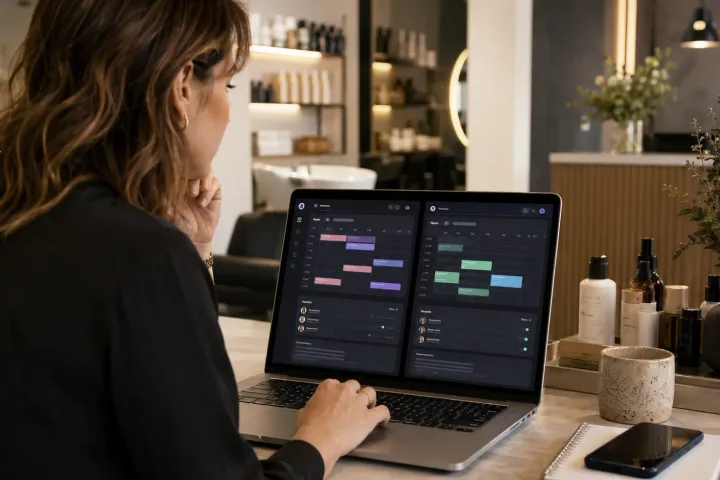
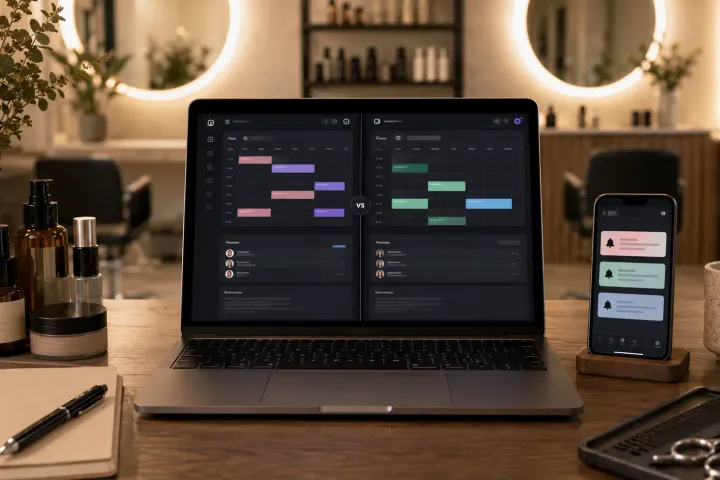
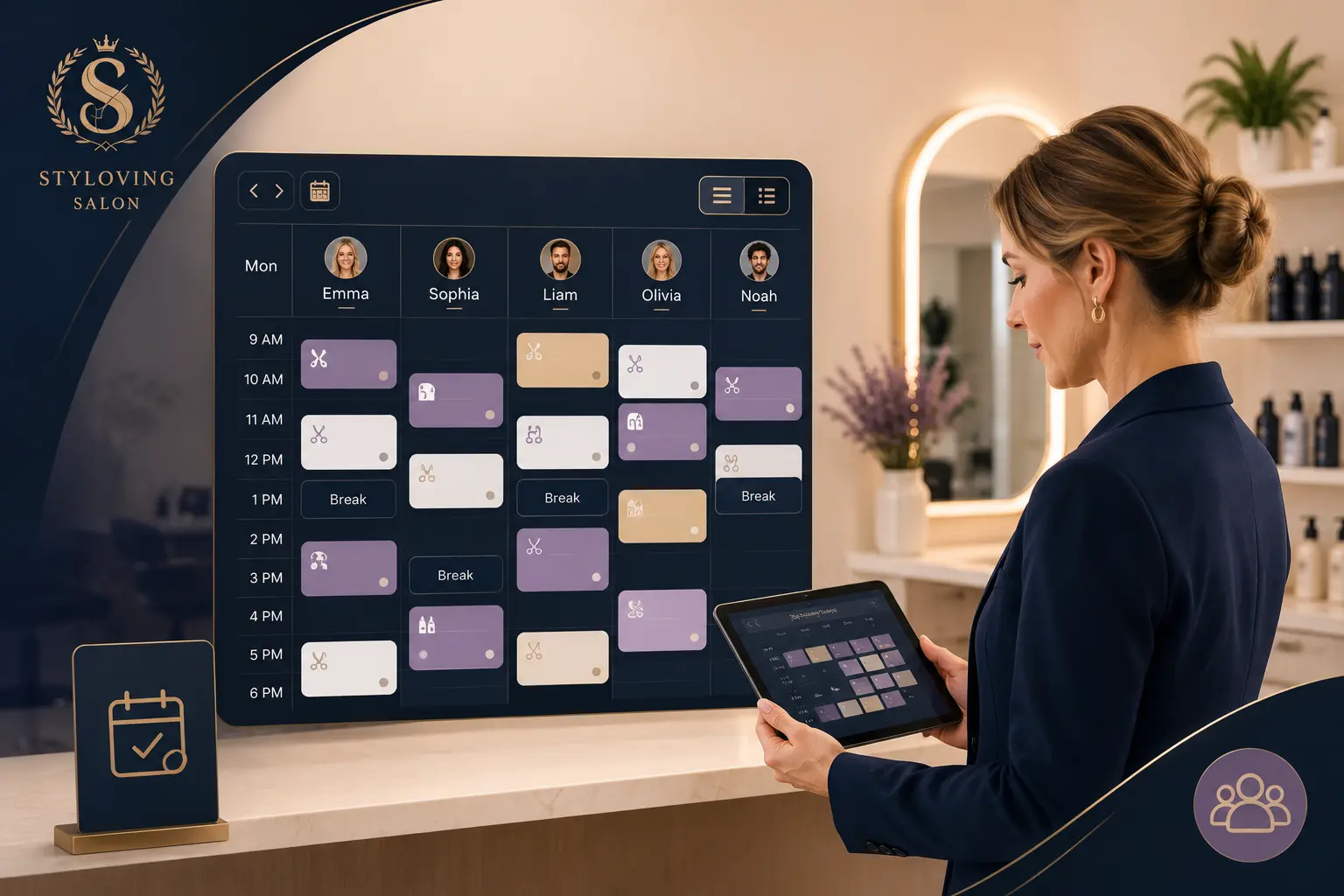
In Styloving, staff scheduling connects to booking availability. Staff members can have working hours, breaks, service assignments, and visible appointment columns in the calendar.
A weekly setup workflow could be:
- Add active staff members.
- Set each person's working days and hours.
- Add breaks where clients should not book.
- Assign services to the correct staff members.
- Review the day calendar to confirm staff columns are clear.
- Test one booking with a specific staff member and one with first available staff.
That turns staff scheduling from a separate admin task into part of the booking flow.
Weekly staff scheduling checklist
Use this checklist at the start of each week:
- Confirm each staff member's working days.
- Confirm start and end times.
- Add breaks before clients book those slots.
- Assign services to qualified staff.
- Check for time-off requests.
- Review long services that may cross breaks.
- Make sure "any staff" bookings still respect availability.
- Check the day view for overlapping or unclear appointments.
FAQ
Should staff breaks block online booking?
Yes. If the break is real, clients should not be able to book through it.
Should clients choose staff or any available person?
Both options can work. Let clients choose a staff member when preference matters, and offer first available staff when speed matters.
How often should a salon update staff schedules?
Most small salons should review the schedule weekly and update exceptions as soon as they are known.