Short answer
A solo salon owner does not need a complicated operations system. The best booking workflow is usually one clear path: client chooses a service, picks an available time, receives confirmation, and the appointment appears in the calendar with the details you need.
The goal is to stop rebuilding the same appointment manually in messages every day.
Who this is for
This guide is for one-chair salons, suite owners, solo barbers, nail techs, lash artists, skincare professionals, and beauty providers who run most of the business alone.
It is especially relevant if you are the person doing the service, answering messages, managing the calendar, and remembering client preferences.
The solo-owner problem
When you work alone, every admin task competes with service time. A booking message may look small, but it often creates several steps:
| Manual task | Hidden cost |
|---|---|
| Asking which service the client wants | You may need to explain options repeatedly. |
| Checking your availability | You interrupt work or check after hours. |
| Confirming the time | The client may reply late or change their mind. |
| Adding the appointment | Mistakes happen when details are copied manually. |
| Remembering the client context | Notes stay in your head or scattered messages. |
None of these tasks are dramatic alone. Together, they make the day feel heavier than it needs to be.
A simple workflow
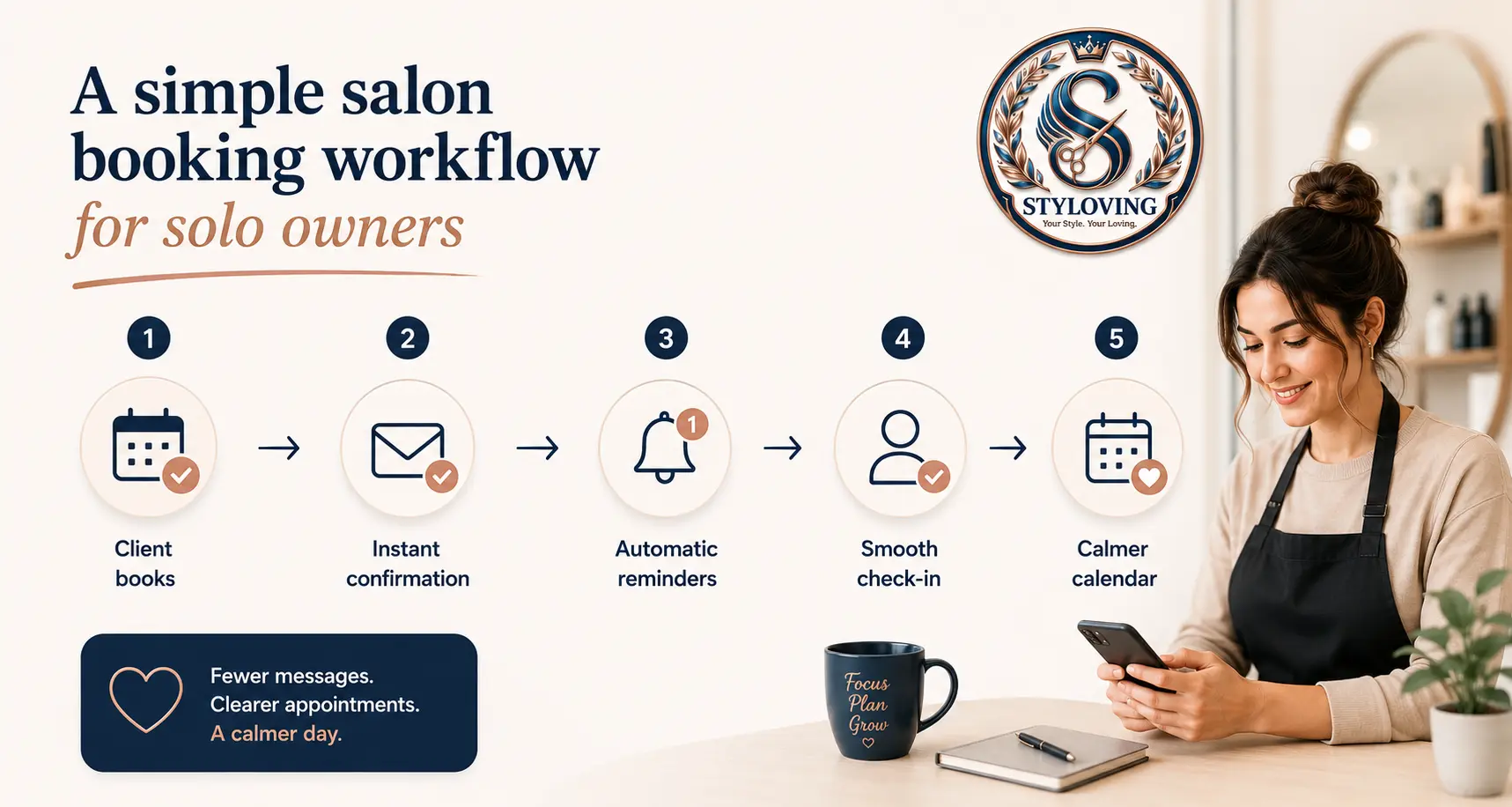
Start with this five-step workflow.
1. Keep one booking link. 2. Add only the services clients book most often. 3. Set real working hours and breaks. 4. Use confirmations and reminders. 5. Keep notes on the client profile after each visit.
This is enough for many solo owners. You can add complexity later, but the first win is getting routine bookings into one predictable place.
What to set up first
Do not start by adding every rare service, every add-on, and every exception. That turns setup into another project.
Start with:
- Your top 5-10 services.
- Realistic durations, including cleanup or transition time.
- Prices clients can understand.
- Your normal weekly working hours.
- One booking link in all public places.
- A short confirmation message.
If a service needs consultation, keep it manual or label it clearly. Online booking should reduce confusion, not create more of it.
How Styloving fits a solo workflow
Styloving is useful for solo owners because the core setup can stay simple: services, calendar, booking link, reminders, client notes, and client photos when needed. You do not have to run a big front desk process to benefit from structure.
For example, a client can book a treatment through the link, receive confirmation, and show up in the dashboard calendar. After the visit, you can add notes, update preferences, or attach before-and-after photos if your plan supports that workflow.
A daily rhythm that works
Keep the rhythm small enough to repeat.
Morning: check today's calendar and note any long services, new clients, or gaps.
During the day: let routine bookings come through the link instead of stopping work to negotiate times.
After each visit: add one useful note, such as formula, preference, concern, product used, or what to avoid next time.
End of day: glance at tomorrow and fill any obvious gaps with a story, message, or reminder to rebook.
This workflow is simple, but it removes the mental load of trying to remember everything.
Checklist
- One booking link is visible everywhere clients find you.
- Services have clear names, durations, and prices.
- Your working hours include breaks or blocked time.
- Confirmation and reminder messages are enabled.
- Client notes are stored outside DMs.
- Complex services still allow personal consultation.
- The calendar is checked once at the start and once at the end of the day.
FAQ
Is online booking too much for a solo salon?
Not if the setup is simple. A solo owner usually benefits most because every avoided message saves the same person's time.
Should solo owners allow clients to choose any time?
Only within the hours you actually want to work. Your booking system should protect your schedule, not expose every possible gap.
What if a client books the wrong service?
That usually means the service menu needs clearer names or descriptions. Keep the first version small, then adjust based on real bookings.