Short answer
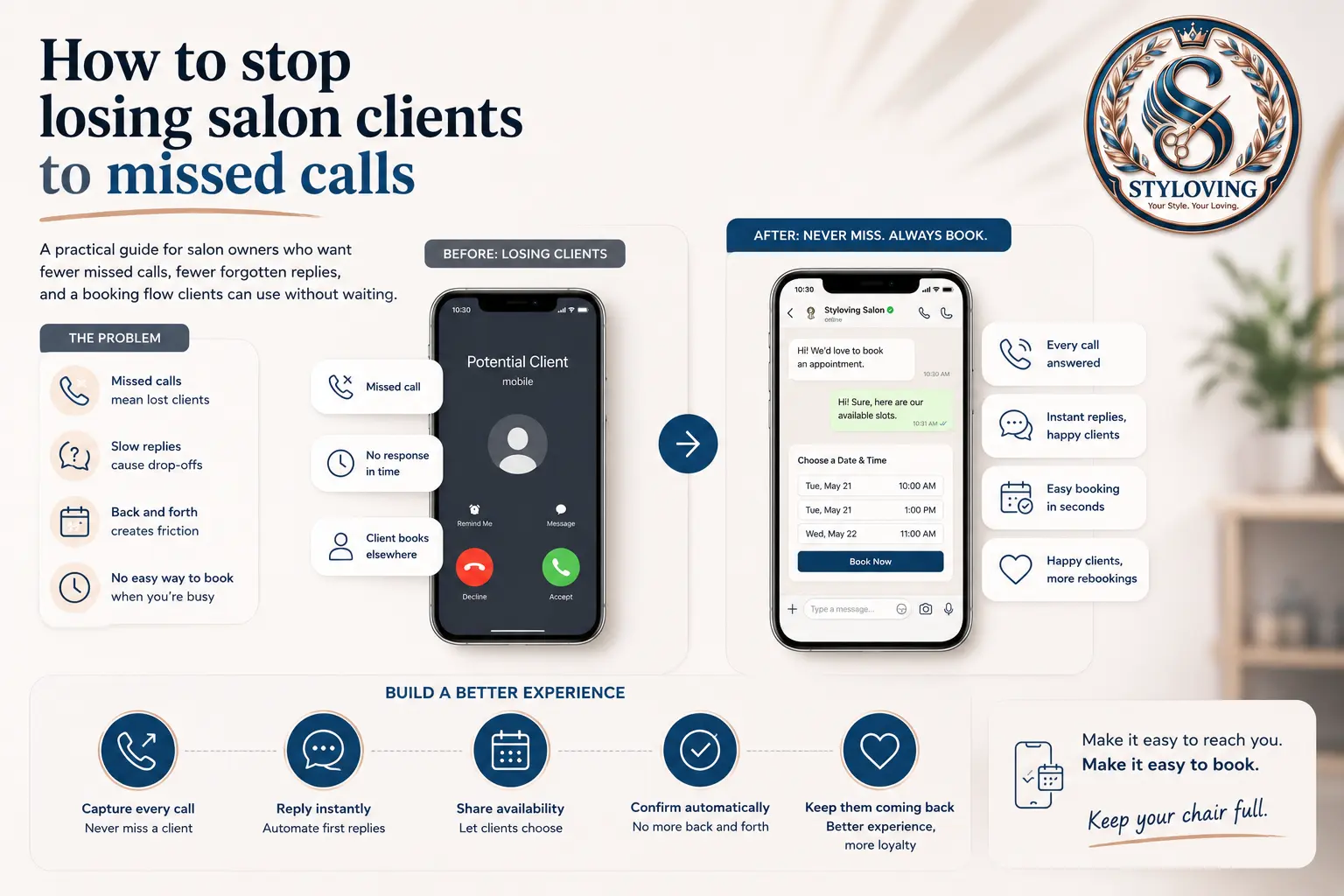
Missed calls become lost bookings when the client has to wait for a reply, repeat service details, or guess which time is available. The simplest fix is to move the most common booking questions into one booking link: services, staff, date, time, and confirmation.
You do not need to stop answering the phone completely. The goal is to make the phone optional for routine bookings, so calls are reserved for clients who truly need help.
Who this is for
This guide is for small salons, barbers, nail studios, beauty rooms, and skincare clinics where the owner or staff are often busy with clients and cannot answer every call immediately.
It is especially useful if your bookings currently come from a mix of phone calls, Instagram DMs, WhatsApp, Facebook messages, and walk-ins.
Why missed calls cost more than the call itself
The problem is not only that one call is missed. It is what happens after the missed call.
The client may call another salon. They may send a message with half the details. They may ask for "any time tomorrow" while you are still checking staff availability. If they need multiple services, the back-and-forth becomes even slower.
Missed calls also create mental clutter for the salon. Someone has to remember to call back, check the calendar, ask which service they want, confirm duration, and manually add the appointment. When the day is already busy, that is exactly when mistakes happen.
A better booking flow
Start by turning the repeat questions into a clear client path.
| Booking question | Better answer |
|---|---|
| What service do you want? | Show a clear service menu with duration and price. |
| Who should do it? | Let the client pick a staff member or choose any available person. |
| When are you free? | Show only available slots based on working hours and booked appointments. |
| Did the booking go through? | Send a confirmation so the client does not need to call again. |
This does not remove personal service. It removes the repetitive admin before the appointment even exists.
How Styloving handles this workflow
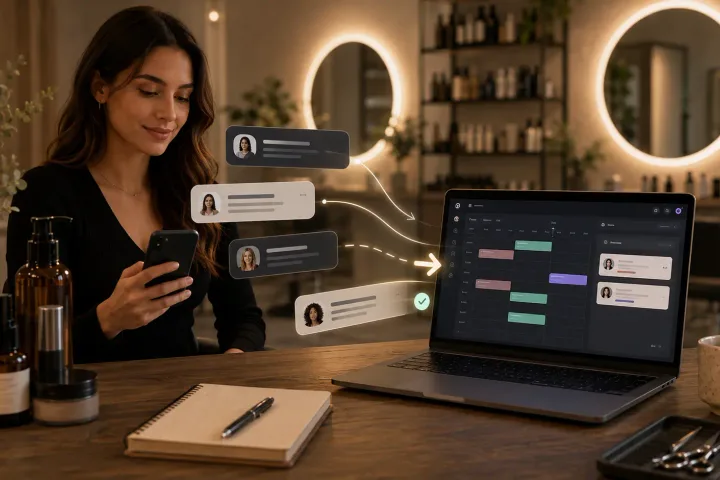
In Styloving, the salon sets up services, staff working hours, and one public booking link. A client can open the link, choose the service, pick a preferred staff member if needed, select an available time, and confirm the appointment.
The calendar then shows the booking inside the dashboard. Staff can still manage walk-ins, edit appointments, and keep client notes, but routine bookings no longer depend on catching the phone at the perfect moment.
Checklist: reduce missed-call bookings
- Add your most booked services first.
- Use service durations that match real appointment time.
- Add staff working hours before sharing the booking link.
- Put the booking link in Instagram bio, Google profile, website, and message replies.
- Keep a short reply ready: "You can book directly here, or message me if you need help choosing."
- Review the calendar daily until the new flow feels normal.
FAQ
Should salons stop taking phone bookings?
No. Some clients still prefer calling, and complex appointments may need a conversation. The win is that routine bookings can happen without a call.
What if clients ask questions before booking?
Keep the booking link visible, but answer questions normally. Once the client knows what they want, send them back to the link so the time is captured correctly.
Does a booking link work for small salons?
Yes, if it is simple. A booking link should show clear services, real availability, and a confirmation. If it feels confusing, clients will return to calling and messaging.