Short answer
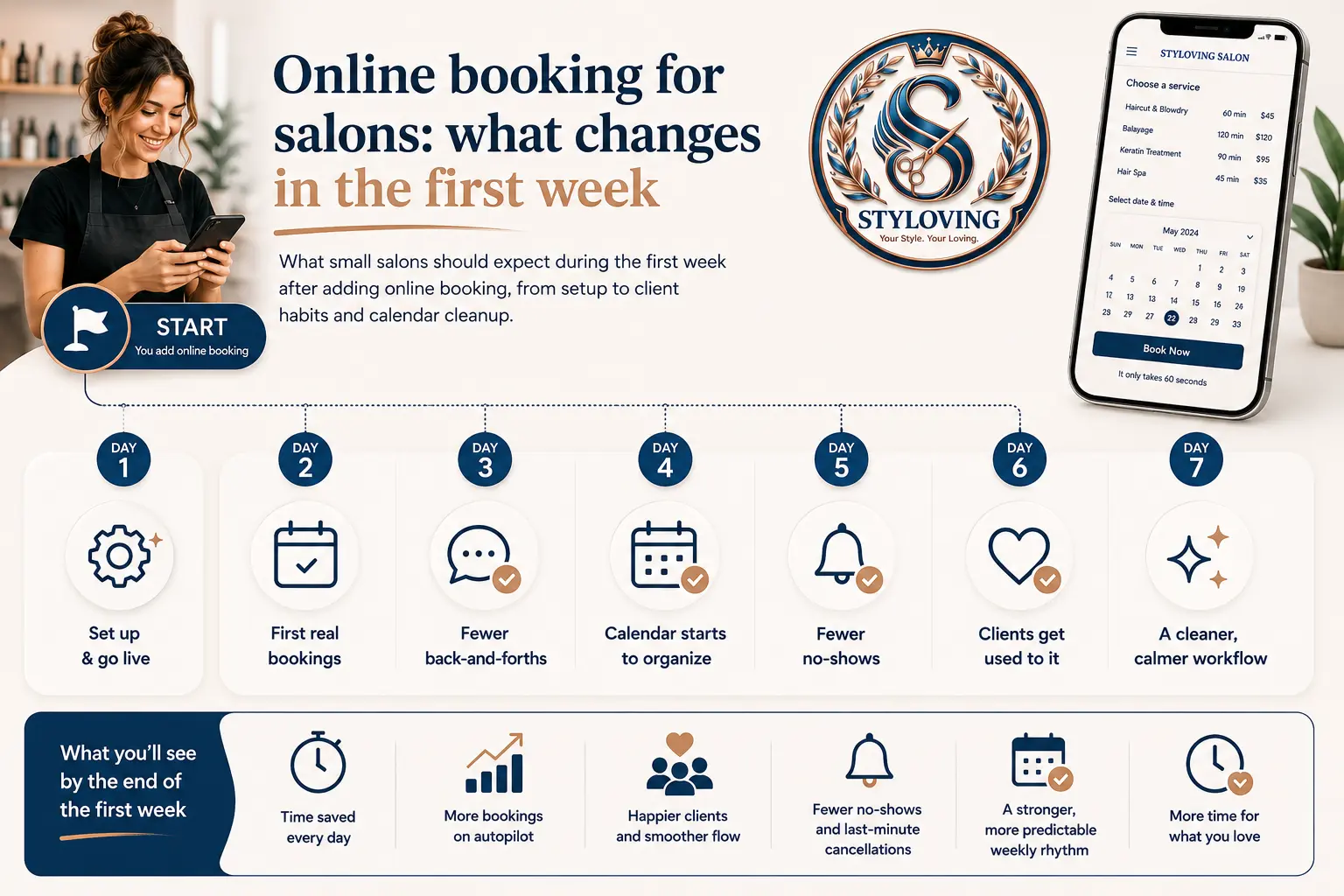
The first week with online booking is not only a software setup week. It is a habit-change week for the salon and for clients.
The biggest changes are usually simple: fewer repeated "are you free?" messages, clearer service selection, fewer manual calendar entries, and more confidence that clients can book even when the salon is busy or closed.
Who this is for
This guide is for salon owners who are considering online booking but are worried it will be complicated, impersonal, or hard to introduce to existing clients.
It is also useful if you already tried a booking tool but clients kept returning to DMs because the setup was confusing.
Day 1: set up only what clients need
Do not try to configure every detail on the first day. Start with the services clients book most often, the staff who are currently taking appointments, and the working hours you trust.
A practical first setup is:
| Setup item | What to add first |
|---|---|
| Services | Your most common services, with realistic durations. |
| Staff | Active staff members and the services they can perform. |
| Hours | Normal working hours, blocked days, and breaks if needed. |
| Booking link | One URL clients can use from Instagram, Google, website, or messages. |
This gives you a working booking flow without turning setup into a full admin project.
Days 2-3: send clients to the same place
The first few days are about consistency. If one client books through the link, another by DM, another by phone, and another through a spreadsheet, the chaos stays.
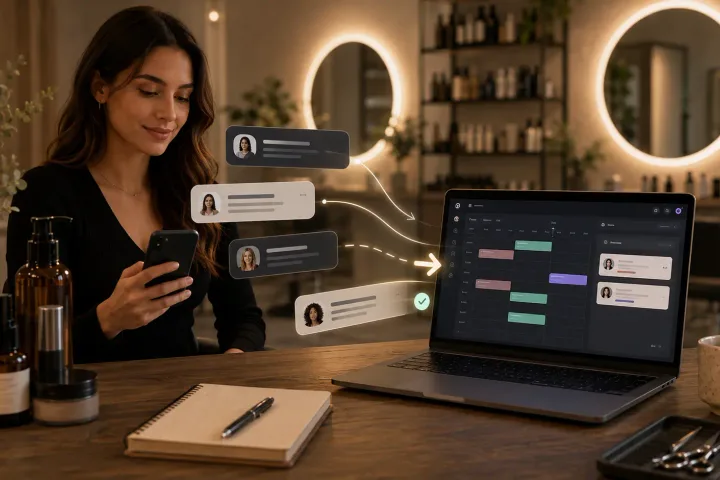
When someone messages to book, answer politely and send the booking link. You can still help them choose a service, but the final booking should land in the same calendar.
Example message:
You can choose your service and see open times here. If you are unsure which service fits, message me and I will help you pick.
Days 4-5: watch what clients struggle with
Online booking improves quickly when you notice where clients hesitate. If many clients ask the same question, the service name or description may be unclear. If they choose the wrong service duration, the service menu may need splitting or renaming.
Look for:
- Services with names only staff understand.
- Add-ons that should be separate services.
- Durations that are too short for real work.
- Staff options that confuse clients.
- Missing information such as deposit notes or preparation instructions.
How Styloving supports the first week
Styloving is built so the first setup can stay focused: services, staff, booking link, calendar, client records, and reminders. The salon can also use AI import for services and inventory to move faster from an existing price list or product list into structured bookable items.
The goal is not to make every setting perfect on day one. It is to get bookings into one clear place, then improve the flow based on what clients actually do.
First-week checklist
- Add 5-10 core services first.
- Use clear client-friendly service names.
- Add active staff and working hours.
- Make one test booking before sharing the link.
- Put the link in Instagram bio, Google profile, and saved replies.
- Review confused bookings and adjust service names.
- Keep manual overrides available for edge cases.
FAQ
Will clients use online booking if they are used to messaging?
Many will, if the link is easier than messaging. The salon has to send the same link consistently and make the service menu easy to understand.
Should every service be available online?
Not at first. Complex consultations or custom work can stay manual until the booking flow is stable.
What should I measure in the first week?
Look at how many bookings arrive through the link, which services clients choose, and where clients still ask for help. Those signals show what to improve next.