Short answer
Instagram is useful for discovery, questions, and trust. It is not a reliable booking system once clients start asking for different services, staff members, times, changes, and confirmations in the same message thread.
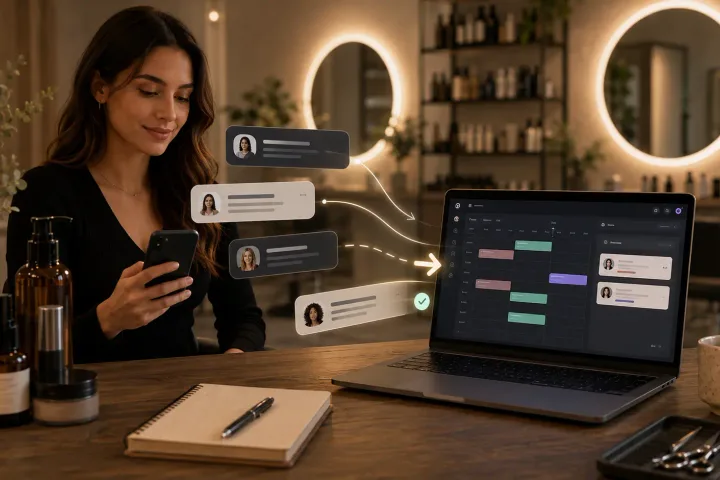
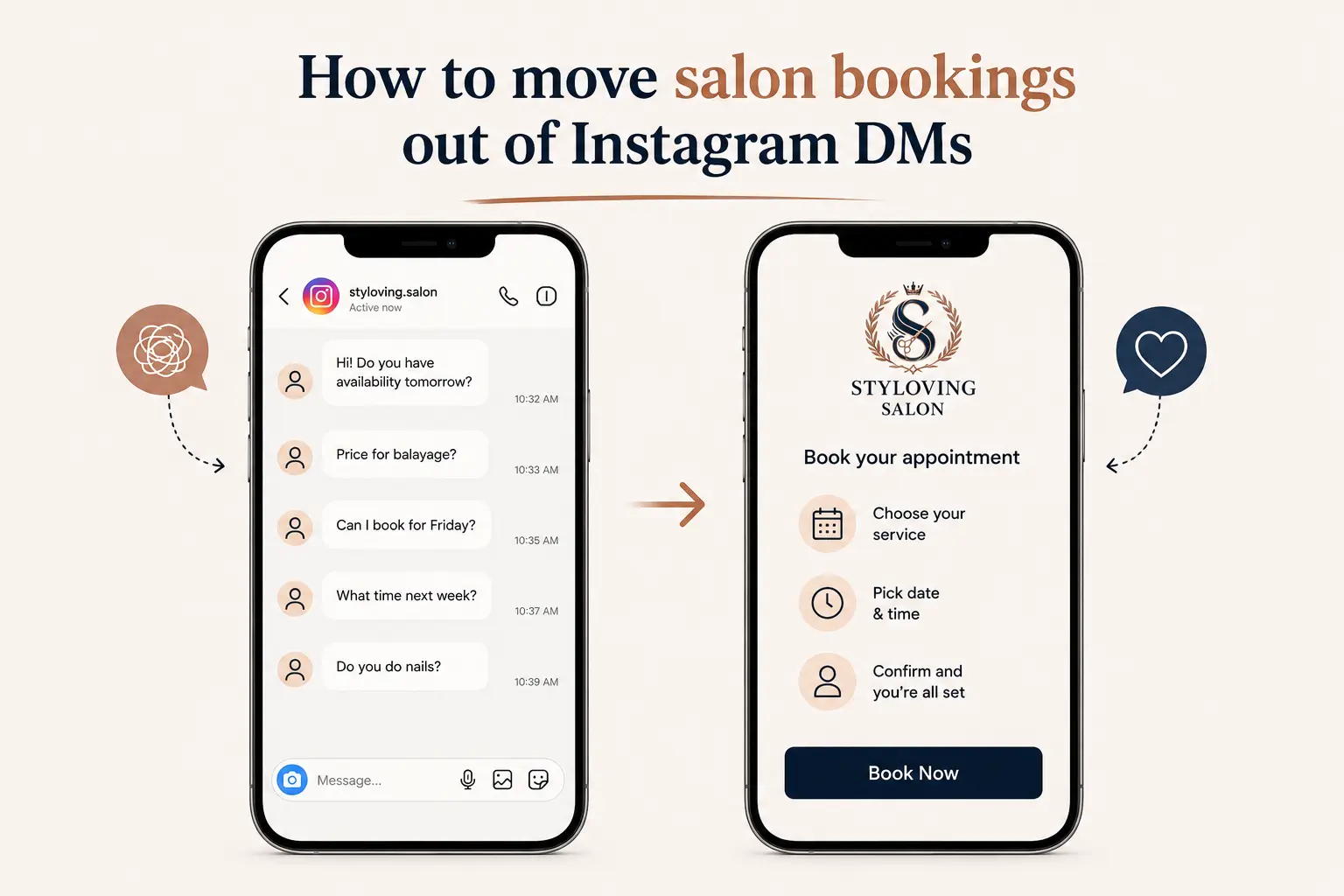
The cleanest approach is not to abandon Instagram. Keep using it to start conversations, then move confirmed bookings into one booking link where services, staff, time, and reminders are handled consistently.
Who this is for
This guide is for salon owners, barbers, lash artists, nail techs, estheticians, and solo beauty professionals who get real client interest from Instagram but feel buried in "are you free?" messages.
It is especially useful if you already have clients who find you through posts, reels, stories, or profile visits, but the final booking still happens manually in DMs.
Why Instagram DMs become messy
DMs feel easy at first because they are personal. A client can ask a question, send a reference photo, or explain what they want. That part should stay.
The problem starts when the DM thread has to act like a calendar. You need to remember the service, calculate duration, check working hours, compare staff availability, confirm the client, and maybe update the time later. If the client changes their mind, the whole thread becomes a small admin project.
Common signs that DMs are overloaded:
- You answer the same availability question several times a day.
- Clients send messages while you are with another client.
- You forget whether someone confirmed or only asked.
- Multiple services make the appointment length unclear.
- Staff preference is hidden inside a message instead of the calendar.
- Client notes, booking details, and casual chat are mixed together.
When this happens, Instagram is no longer just a marketing channel. It is carrying too much operational weight.
A calmer Instagram booking workflow
Use Instagram for the human part and your booking link for the structured part.
| Step | Where it happens | Why |
|---|---|---|
| Client discovers you | Instagram profile, posts, reels, stories. | This is where trust and taste are built. |
| Client asks a question | DM. | Some services need advice before booking. |
| You recommend the right option | DM or saved reply. | Keeps the conversation personal. |
| Client books the appointment | Booking link. | Captures service, staff, date, time, and confirmation. |
| Salon manages the day | Dashboard calendar. | Avoids scattered appointment details. |
This keeps Instagram useful without making every booking depend on your memory.
How to introduce the change
Start with a simple saved reply. Do not sound annoyed with clients who message you. They are using the path you gave them.
Example:
I can help you choose the right service here. When you are ready, please book through this link so you can see the available times and receive confirmation.
Put the same booking link in your bio, story highlights, Google profile, and message replies. The more consistent the path is, the faster clients learn it.
How Styloving fits this workflow
Styloving gives small salons one booking link connected to services, staff working hours, reminders, client records, and the dashboard calendar. A client can still start on Instagram, but the final appointment does not stay trapped in the DM thread.
For a salon owner, that means fewer repeated messages and fewer manual calendar entries. For the client, it means they can choose a time without waiting for a reply.
Transition checklist
- Add your booking link to the Instagram bio.
- Create one story highlight called "Book" or "Appointments."
- Write a saved reply for clients who ask for availability.
- Keep answering service questions before sending the link.
- Add your most booked services first so the booking page feels simple.
- Check the calendar daily during the first week.
- Keep complex consultations manual until the flow is stable.
FAQ
Will clients stop messaging me if I use a booking link?
No. Clients can still message when they need advice. The booking link simply gives them a clear next step once they are ready to choose a time.
Should I force every Instagram inquiry to book immediately?
No. If the client is unsure, help them first. The goal is to move the confirmed appointment into the booking system, not to make the conversation cold.
What if clients ignore the link and keep DMing?
Reply warmly and send the same link again. Habit changes through consistency. If you sometimes book manually and sometimes send the link, clients will keep choosing the manual path.