Short answer
A salon CRM for a small team should help you remember the client, prepare for the next visit, and keep bookings connected to real service history. You do not need a complex sales pipeline. You need client records, appointment history, notes, preferences, reminders, and a clear way for staff to see what matters before the client sits down.
If you are comparing salon client management software or a CRM for beauty salons, start with the basics: useful salon client records that your team can keep up to date.
The best CRM is the one your team will actually update after a busy appointment.
Who this is for
This guide is for small salon owners, barbers, nail studios, lash artists, and skincare teams that want better client memory without turning every visit into admin work.
It is especially useful if client details currently live in DMs, paper cards, personal phone notes, or one staff member's memory.
Why salon CRM gets confusing
The word CRM can sound like enterprise software: sales stages, pipelines, lead scores, and complicated dashboards. Most small salons do not need that.
The daily salon problem is simpler:
- A regular client expects you to remember their preference.
- A staff member needs to know what happened last time.
- A client changes service type and the old notes become important.
- Someone books online, but the team still needs context before the appointment.
- A follow-up or rebooking opportunity gets forgotten after a busy day.
For a small salon, CRM should support service continuity, not create a second job.
What a small salon CRM should track
1. Client contact details
Keep the basics clean: name, phone, email, and any preferred contact method. Do not over-collect personal information you do not need for service, booking, or safety.
2. Appointment history
Every client record should show past and upcoming appointments. This helps staff answer simple questions quickly:
- When was the last visit?
- What service did they book?
- Which staff member handled it?
- Did they cancel, no-show, or reschedule?
- Are they already booked again?
3. Service notes
Notes should be short, specific, and useful later. Write what affects the next visit.
Examples:
- Color formula and timing.
- Preferred nail shape and length.
- Lash style and sensitivity notes.
- Barber guard, fade height, and neckline.
- Skincare products used and follow-up needs.
4. Preferences
Not every important detail is technical. Preferences make the client feel remembered.
Track details such as:
- Prefers quiet appointments.
- Likes morning slots.
- Wants low-maintenance styling.
- Sensitive scalp.
- Usually books every 4 weeks.
- Prefers the same staff member.
5. Follow-up context
The CRM should help the salon know what should happen next. That might be a rebooking suggestion, a reminder to check stock, a patch test note, or a recommended maintenance appointment.
What does not matter at the start
Small salons can often ignore advanced CRM features until they have the basics working.
You may not need:
- complex lead pipelines
- heavy sales automation
- multi-location enterprise reporting
- custom lifecycle scoring
- complicated campaign logic
Those tools can be useful later, but they are not the first CRM problem for most small teams.
Example using a Styloving workflow
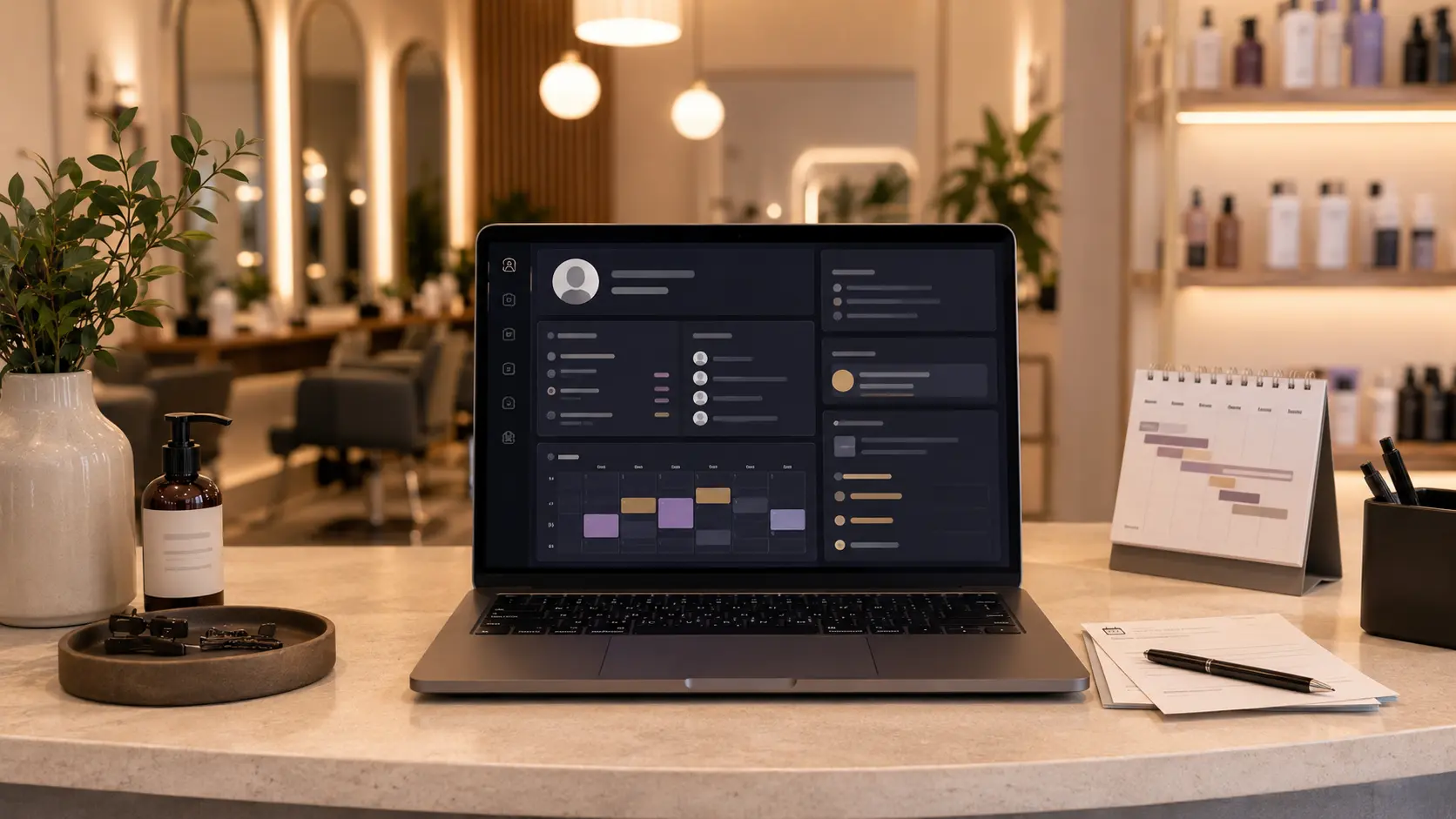
In Styloving, the client record can sit near the booking workflow. A salon can see appointments, staff context, and client notes together instead of switching between DMs and spreadsheets.
Example workflow:
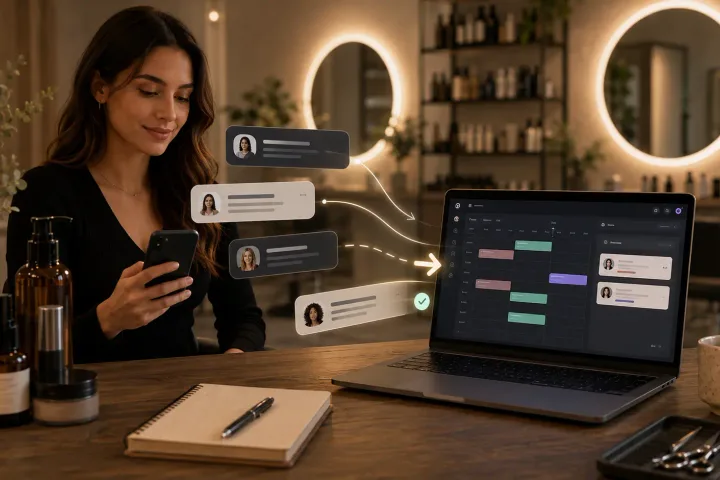
1. A client books a gloss and trim through the booking link. 2. The appointment appears in the calendar with the selected service and staff member. 3. After the visit, the staff member adds a short note: "Warm brunette gloss, client prefers softer face frame, rebook in 6 weeks." 4. Next time, the team sees the note before the appointment.
That is the kind of CRM small salons need first: memory that helps the next visit.
Small salon CRM checklist
Use this checklist before choosing a salon CRM:
- Can staff see the client's appointment history quickly?
- Can notes be added after each visit?
- Are staff, services, and bookings connected?
- Can the team find preferences before the appointment?
- Does the system support reminders or confirmations?
- Is the client record easy enough to update on a busy day?
- Can private or sensitive details be handled carefully?
- Does it reduce message searching instead of adding work?
FAQ
Is a salon CRM different from normal CRM software?
Yes. A salon CRM should focus on client visits, appointment history, preferences, service notes, staff context, and follow-up. Generic CRM software often focuses more on sales pipelines and lead management.
Can a small salon use a spreadsheet as a CRM?
A spreadsheet can work at the beginning, but it becomes harder when bookings, staff schedules, notes, and reminders need to stay connected. The risk is that the team stops updating it.
What is the first CRM habit to build?
Write one useful note after each visit. Keep it short enough that staff can maintain the habit.