Short answer
To remember salon client preferences, create a repeatable habit: capture the preference during or right after the appointment, save it in the client record, review it before the next visit, and update it when something changes.
Memory works until the salon gets busy. A simple preference system keeps the experience personal without making staff carry everything in their heads.
Who this is for
This guide is for salon owners, barbers, nail techs, brow artists, skincare providers, and small teams that want clients to feel remembered.
It is useful if you often think, "I know this client told me something last time, but I cannot find it now."
Why memory breaks down in a busy salon
Salon work is personal. Clients talk about style, comfort, timing, products, past experiences, and what they do or do not like.
The problem is volume. One owner may remember details for a handful of regulars, but as bookings grow, memory becomes fragile.
Preferences get lost when:
- The owner is mid-service and cannot write them down.
- The note stays inside a DM thread.
- A different staff member handles the next visit.
- The client books after a long gap.
- The preference changes but the old note remains.
- The salon has no consistent place for client context.
The goal is not to make the experience robotic. The goal is to give the team a reliable memory aid.
What counts as a client preference?
Client preferences can be technical, practical, or personal to the service experience.
Examples:
| Preference type | Examples |
|---|---|
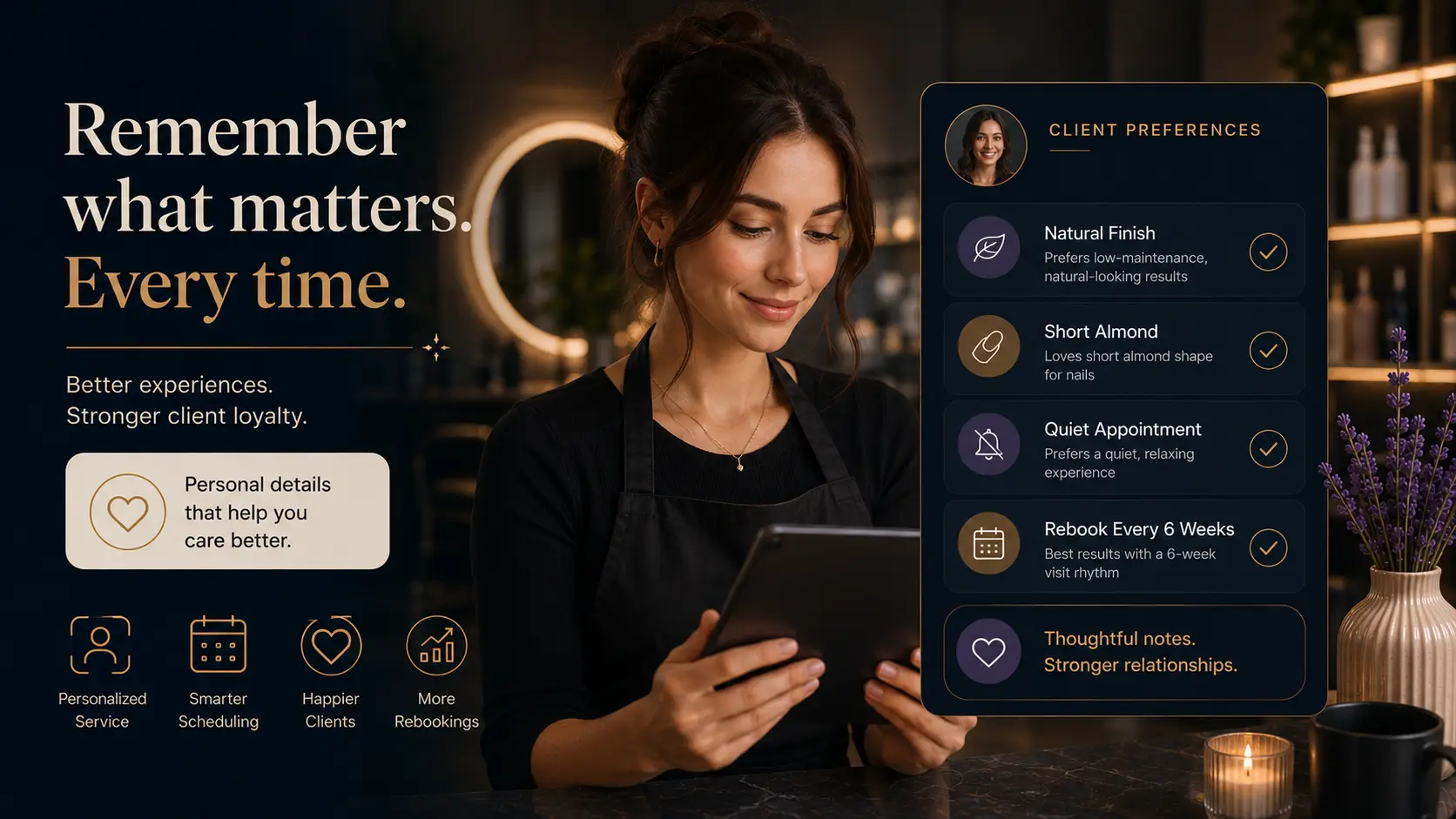
| Style | Short almond nails, soft layers, natural brows |
| Finish | Matte product, glossy blowout, no glitter |
| Comfort | Sensitive scalp, prefers quiet appointment |
| Timing | Usually books mornings, needs school pickup time |
| Maintenance | Wants low-maintenance color, returns every 6 weeks |
| Communication | Prefers email confirmations, does not use WhatsApp |
| Staff | Prefers same stylist, open to any available staff |
These notes help you personalize the next appointment quickly.
A simple preference-capture process
1. Listen for repeatable details
Not every comment needs a note. Listen for details that may matter again.
Examples:
- "I do not like too much product."
- "Please keep the front pieces longer."
- "I always chip polish on this hand."
- "I prefer a quiet appointment after work."
- "I want something easy to maintain."
If it changes the next service, save it.
2. Save the note immediately after the appointment
The best time to write a note is before the next client resets your attention. Keep it short.
Example:
Prefers soft face frame, no heavy product, rebook color maintenance in 6 weeks.3. Use consistent labels
A note is easier to scan when the team knows what to look for.
Simple labels:
- Preference:
- Avoid:
- Formula/product:
- Next step:
- Rebooking:
4. Review before the next visit
The note only helps if someone reads it. Make a habit of checking the client record before the appointment starts.
This can be part of the morning routine:
- Open today's appointments.
- Review returning clients.
- Check preferences and previous services.
- Prepare any products or tools needed.
5. Update instead of stacking old notes
Client preferences change. If someone used to prefer short nails but now grows them out, update the note so the latest preference is easy to find.
Old context can stay in visit history, but the current preference should be clear.
Example using a Styloving workflow
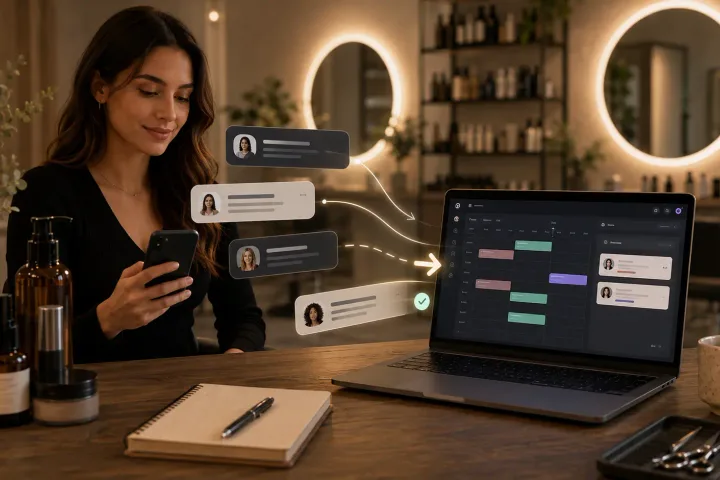
In Styloving, the salon can keep bookings, client records, notes, and appointment context in the same workspace.
A simple workflow:
1. Client books online. 2. Staff opens the appointment and sees the client profile. 3. Staff reviews notes such as "prefers natural finish" or "no heavy product." 4. After the visit, staff updates the note with the latest preference. 5. The next appointment starts with context, not guessing.
That turns client memory into a team process.
Preference note template
Use this after each visit:
Current preference:
What to repeat:
What to avoid:
Products/formula:
Preferred staff:
Rebooking rhythm:
Last updated:
You can keep it shorter for simple services. The most important part is consistency.
What not to rely on
Avoid making client preference tracking depend only on:
- The owner's memory.
- Instagram DMs.
- Personal phone notes.
- Paper cards with no backup.
- Staff-specific shorthand no one else understands.
Those may work for a while, but they become fragile when the salon grows or staff coverage changes.
FAQ
Should every client have preference notes?
Not necessarily. Some clients need only basic appointment history. Add preference notes when they will make the next visit better.
How often should preferences be updated?
Update them whenever the client asks for something different or when the service result changes. A stale note can be worse than no note.
Can preference notes help with rebooking?
Yes. Notes like "usually returns every 4 weeks" or "needs maintenance before events" can make rebooking conversations easier and more relevant.