Short answer
A good barbershop booking link should let clients choose the right service, see real available times, understand the price, and receive confirmation without messaging the barber first. The link should protect your working hours, service durations, breaks, and staff availability.
The best setup is not the longest service menu. It is the clearest one.
Who this is for
This guide is for solo barbers, one-chair barbershops, small teams, and grooming studios that want clients to book from Instagram, Google, WhatsApp, SMS, or a website without turning every booking into a conversation.
It is especially useful if clients keep asking what times are available, what service to choose, or whether you can "fit them in" today.
Why a booking link needs setup
A booking link can make a barbershop feel more organized, but only if the details behind it are accurate. If services are confusing, times are too short, or days off are not blocked, the link just moves the problem from DMs into the calendar.
Common setup mistakes include:
- listing too many similar services
- using unrealistic service durations
- forgetting cleanup or short reset time
- leaving old working hours visible
- not telling clients what to do if they are unsure
- hiding the link where clients cannot find it
The goal is a link clients trust and barbers can rely on.
The checklist
1. Start with the services clients actually book
Begin with the core services clients understand.
Good examples:
- Haircut
- Skin fade
- Beard trim
- Haircut and beard
- Kids cut
- Buzz cut
- Consultation
Avoid adding every possible variation on day one. If a client cannot tell which option fits them, they will message anyway.
2. Set realistic durations
The calendar should reflect how you actually work, not how fast the service sounds on paper.
If a skin fade usually takes 45 minutes, do not make it 30 minutes to show more slots. If haircut and beard needs cleanup time after, build that into the duration or block a small buffer.
3. Add clear prices
Clients book faster when pricing is easy to understand. If a price can vary, say so in the service description and keep the base price clear.
For example:
Haircut and beard - from $45
Final price may vary for longer hair or detailed beard work.
4. Match the link to real working hours
Set the hours you actually want clients to book. Include lunch, personal time, early closing days, and days off.
If the shop has multiple barbers, confirm each staff member has their own working hours and services.
5. Decide how clients choose staff
Some barbershops want clients to choose a specific barber. Others are happy with "any available."
Use staff choice when client preference matters. Use any available when the goal is to fill the calendar efficiently and the service can be handled by more than one team member.
6. Write one simple instruction line
Add a short note near the booking link or in the profile bio.
Example:
Book your cut here. Choose the service first, then pick an available time.If clients often choose the wrong service, add:
Not sure what to pick? Message us before booking.7. Put the link where clients already look
Your barbershop booking link should be easy to find in:
- Instagram bio
- Google Business Profile
- website header
- WhatsApp quick reply
- SMS templates
- QR code at the chair or front desk
One obvious link works better than five hidden ones.
Example using Styloving
A small barbershop can set up services, staff, working hours, and one booking link in Styloving. Each barber can have the services they actually perform, and the booking page can show real availability based on the calendar.
Example flow:
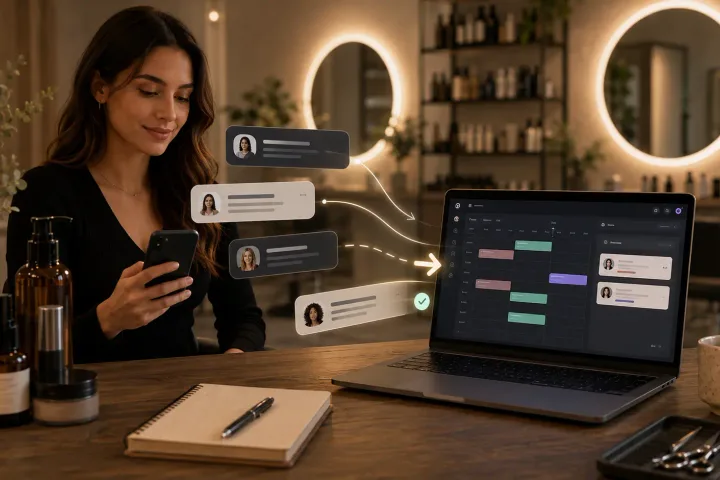
1. Client taps the Instagram booking link. 2. Client chooses "Haircut and beard." 3. The page shows only times that fit the service duration. 4. Client confirms the booking. 5. The appointment appears in the barbershop calendar.
That keeps Instagram as the place clients discover the shop, while the booking link handles the schedule.
Quick audit
Before sharing your link widely, check:
- Every service has a clear name.
- Every service has a realistic duration.
- Prices are visible or explained.
- Working hours match your real schedule.
- Days off are blocked.
- Staff members only show services they can perform.
- Confirmation messages are clear.
- The link works on mobile.
- The link is visible in Instagram, Google, and your website.
FAQ
Should a barbershop use one booking link or one per barber?
Most small shops should start with one booking link that lets clients choose a barber or any available staff member. It is easier to share and easier for clients to remember.
What if clients keep choosing the wrong service?
The service menu probably needs clearer names or fewer options. Keep the first booking menu simple, then add detail only where clients need it.
Should walk-ins use the booking link too?
Walk-ins can still exist, but the calendar should record them quickly so online availability stays accurate.